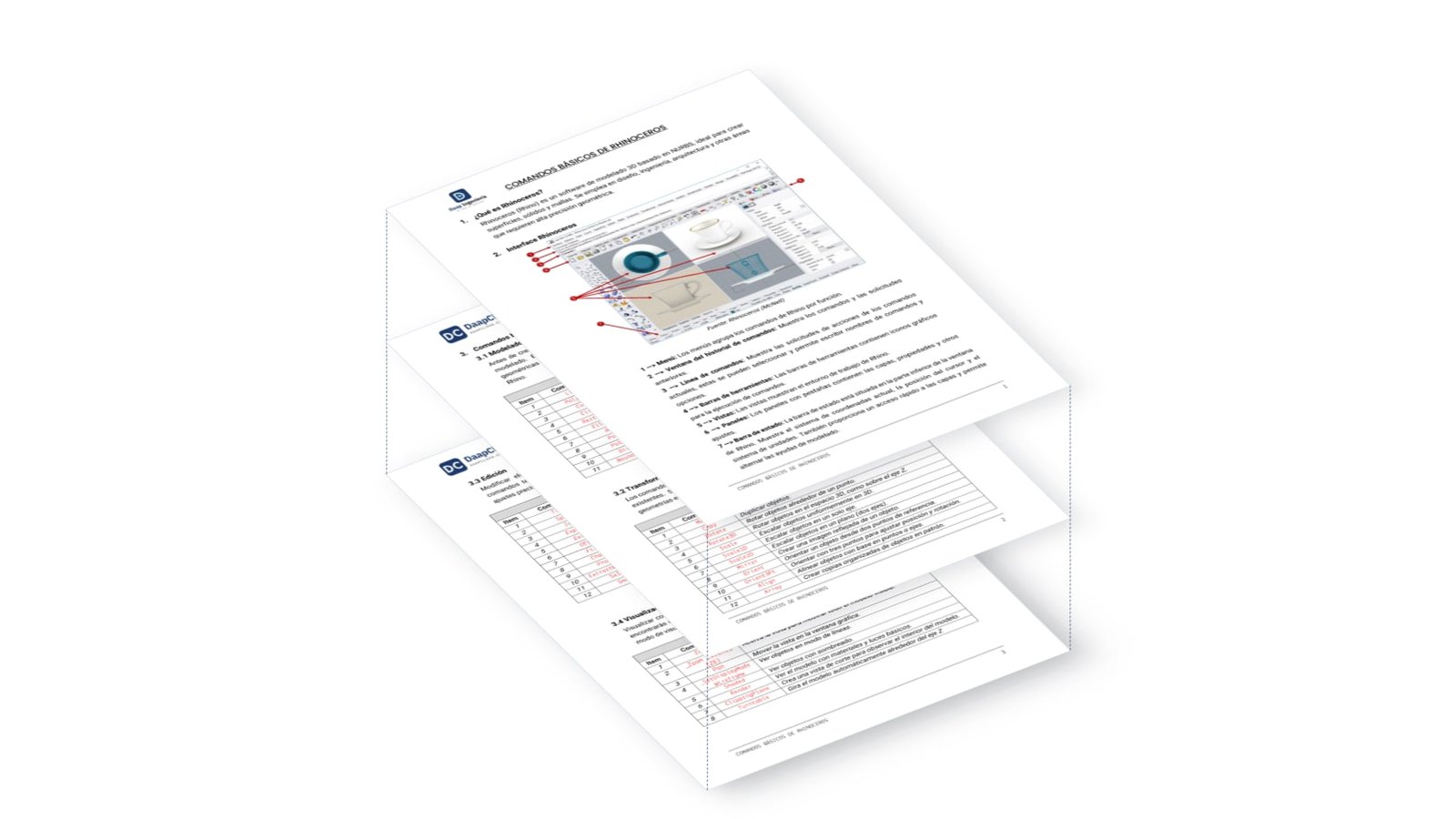
The most used Rhino commands, organized by task (modeling, transforming, editing, viewing, surfaces, organizing and exporting), with what each one does. The guide is in Spanish.
What it is
A 5-page reference sheet, in Spanish, to keep at hand while you model in Rhino. It starts with
the interface (menus, command line, viewports, panels) and continues with tables of commands
grouped by what you want to do:
- Basic modeling: Line, Polyline, Curve, Circle, Divide, BoundingBox…
- Transforming: Move, Copy, Rotate, Rotate3D, Scale, Mirror…
- Editing: Trim, Split, Join, Explode, Offset, Fillet, Project…
- Viewing: Zoom, Pan, display modes, ClippingPlane, Turntable…
- Surfaces: Loft, Sweep1, Sweep2, Revolve, PlanarSrf, Booleans…
- Organizing: layers, groups, hide and lock
- Exporting and importing: Import, Export, ExportSelected…
Who it is for
For anyone starting in Rhino, or coming from AutoCAD and wanting to quickly find the matching
command. The command names are the English ones Rhino uses, so the tables read well even
without Spanish.
On video
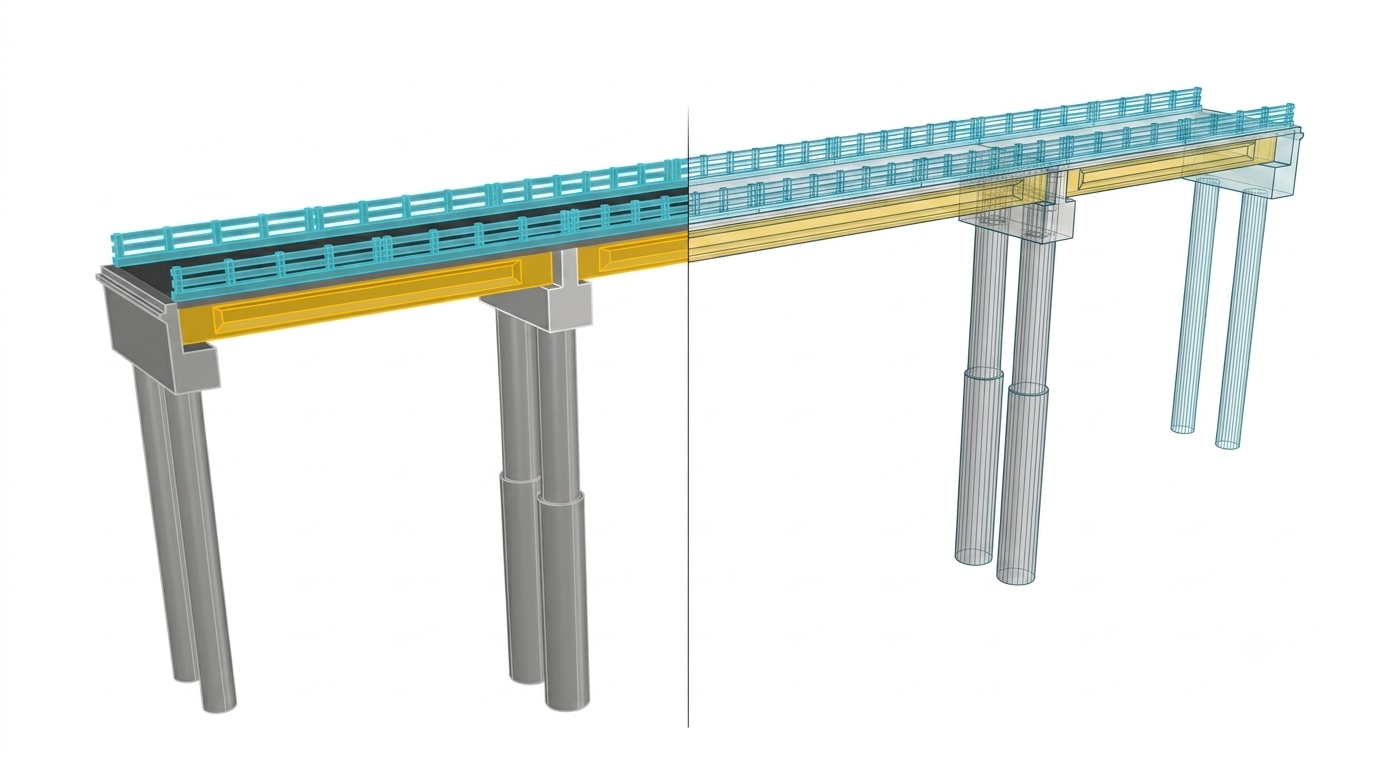
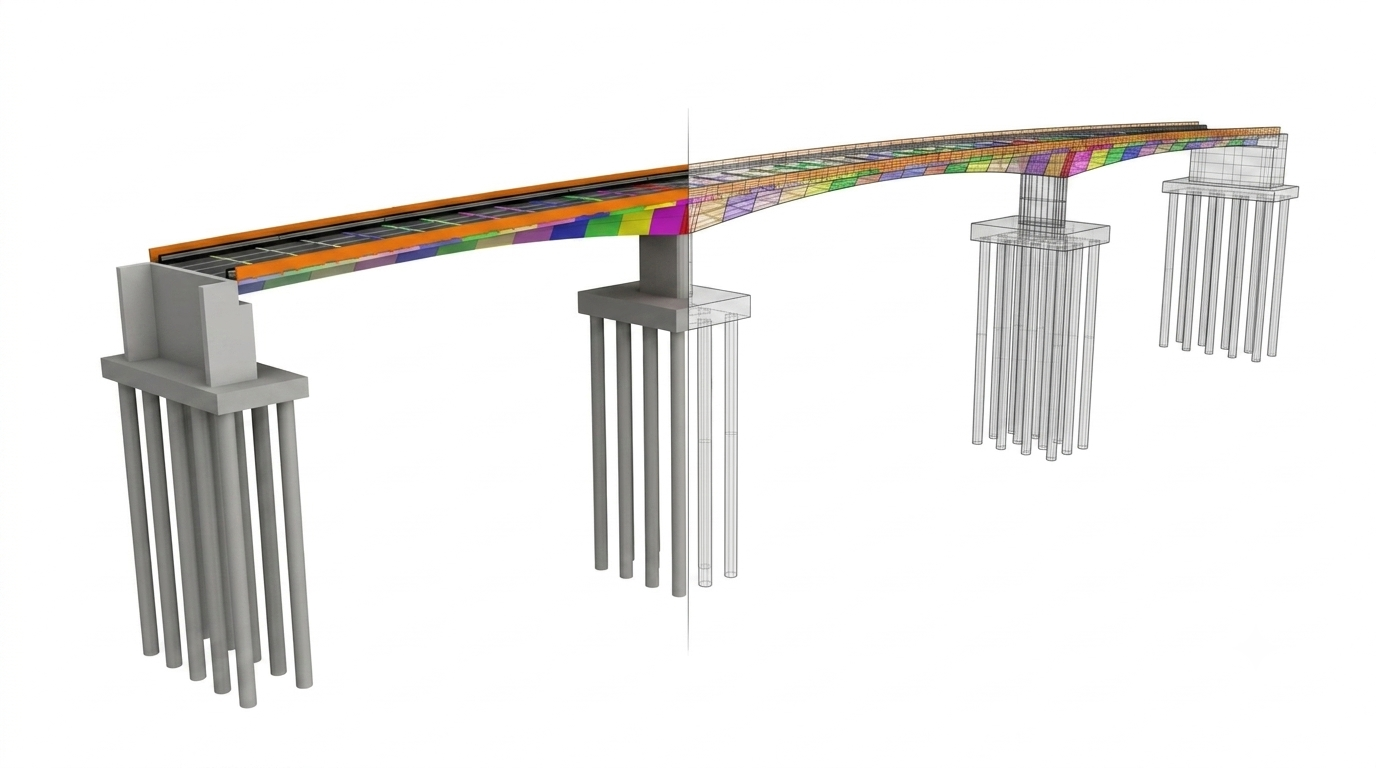
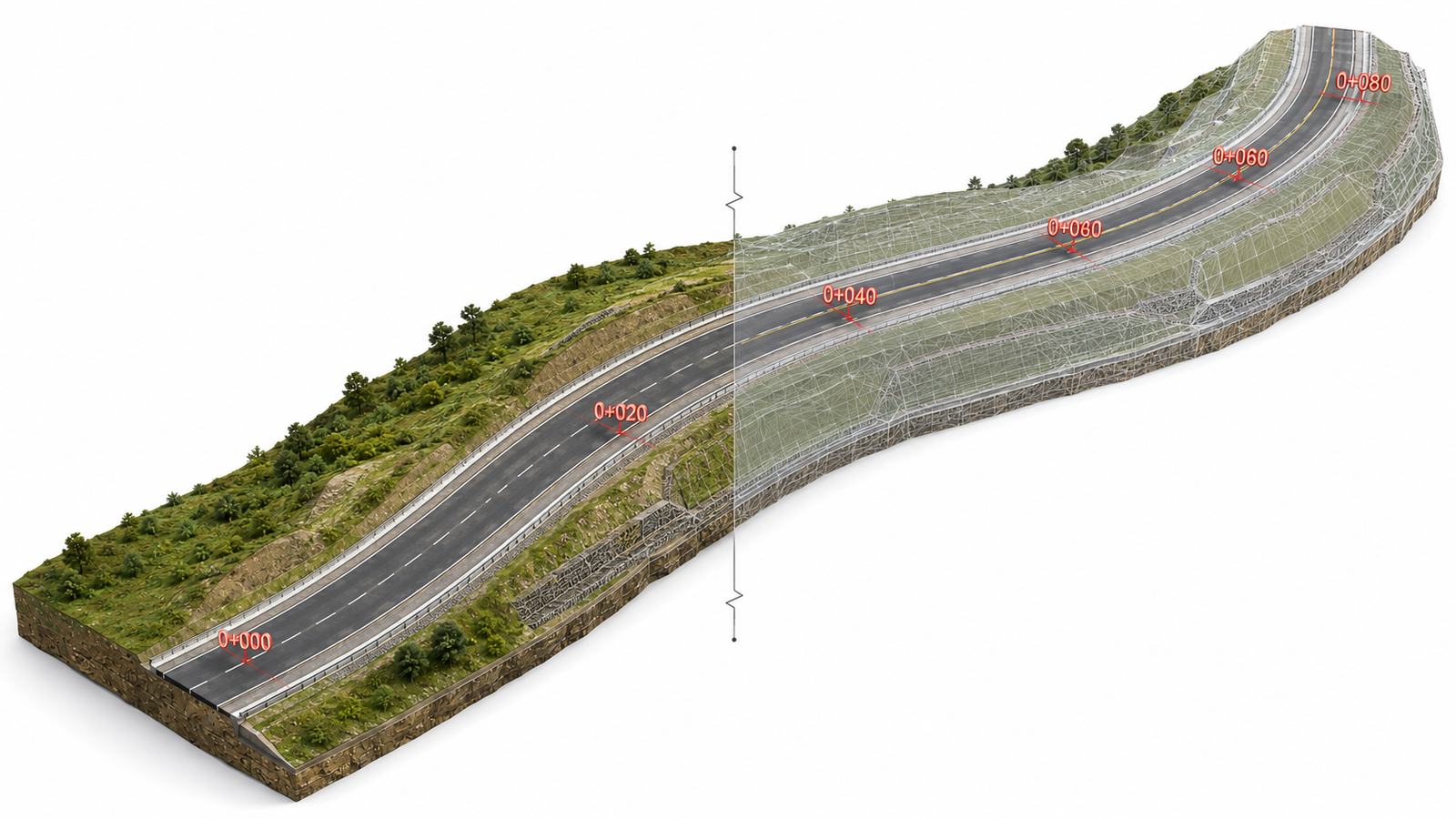
The commands of the guide, applied to real models, on our YouTube channel
Daap Ingeniería (in Spanish).